
How to choose startup directories worth submitting to
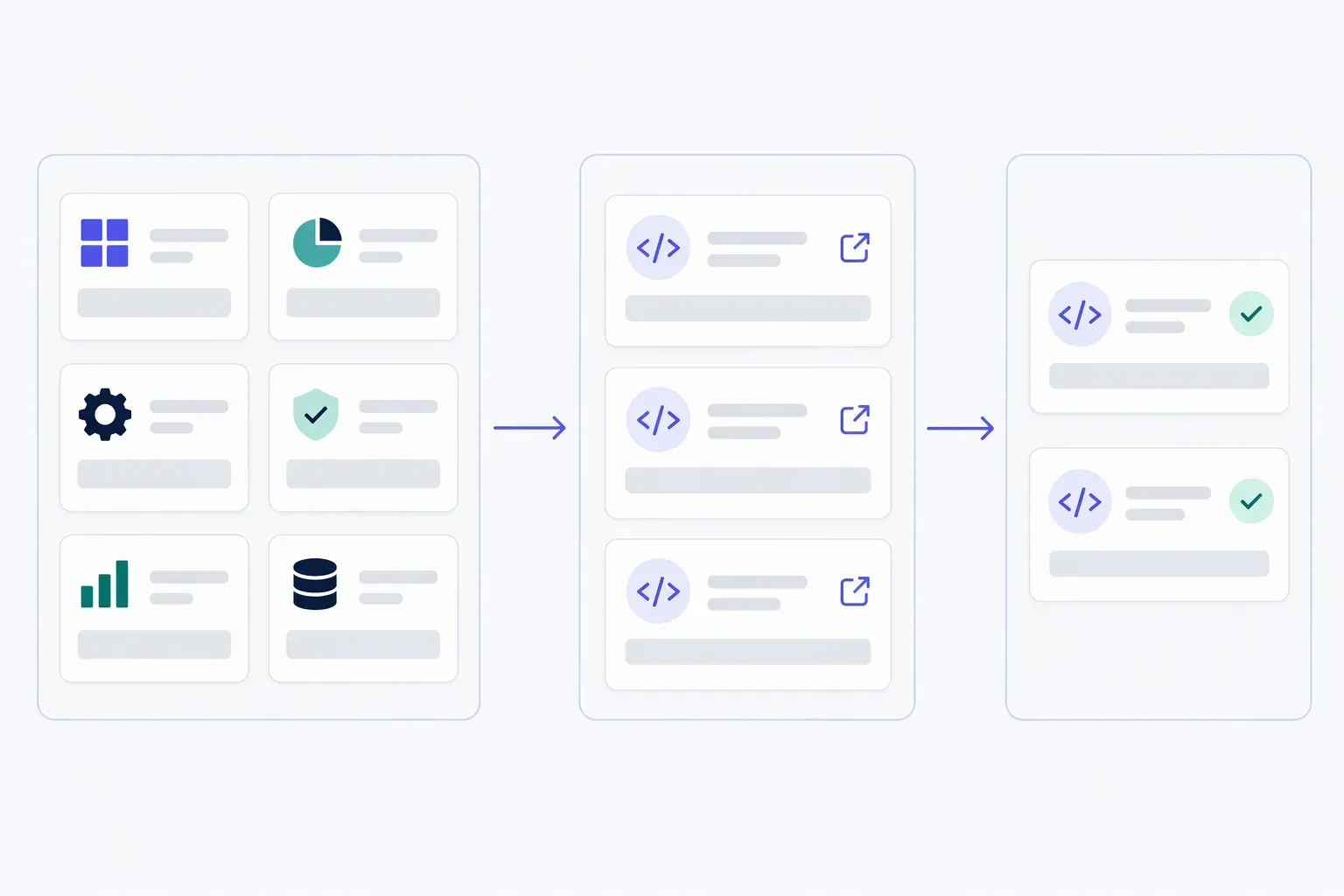
Choose startup directories by inspecting the category your product would appear in, opening actual listing pages and checking the current submission rules. Keep candidates where your intended user has a plausible reason to browse and can reach your product website. Treat audience size and traffic claims as unverified unless the operator provides evidence; a directory's existence is not proof that it will bring customers.
How do you choose startup directories for your product?
Start with one sentence: “We help [person] do [task], and we want visitors to [next action].” That sentence gives you a test for each directory, rather than a reason to submit everywhere.
For example, a fictional API-monitoring tool might help small software teams spot failed requests, with a next step of trying a demo. Developer-tool catalogues are plausible candidates. A general founder showcase might help collect maker feedback, but that is a different goal from reaching people actively choosing monitoring software.
Search for the task and software category, not only “startup directories.” Add candidates to a sheet before creating accounts. A manageable first batch is three candidates; that is a working limit to keep the experiment small, not a proven optimum.
Inspect the catalogue, not just the submission page
Open the relevant category and a few neighbouring product pages. You are checking whether your product belongs there and whether a visitor can use the listing—not estimating traffic from appearances.
| Check | What to record | What it tells you |
|---|---|---|
| Relevant neighbours | Products solving related tasks for similar users | A plausible category fit, not proof of an audience |
| Useful descriptions | Whether you can understand what each product does | Whether browsing helps someone evaluate options |
| Website path | Whether the listing's website link reaches the intended product | Whether discovery can lead to a useful next step |
| Maintenance | Working pages, recent additions where dates are shown, correction instructions | Whether the catalogue appears maintained |
| Eligibility | Accepted product types, availability requirements and required materials | Whether you can make an accurate request |
Read descriptions rather than counting logos. A category labelled “Developer tools” is weak evidence if its contents are unrelated services or broken links. Recent additions show activity, but they do not establish visitor quality or volume.
A new or empty catalogue has no neighbouring listings to inspect. Record that as unknown. You might still join as an early participant, but do not evaluate it as an established source of referrals.
Separate a visible placement from a promised audience
Write down how someone could encounter your listing: category browsing, search within the directory, a dated launch feed, an editorial selection or an advertised placement. Verify the mechanism on the site where possible.
If the operator says “featured,” ask where, for how long and whether featuring is included or discretionary. If the site claims a large audience, check whether that figure describes visitors, subscribers, impressions or something else, and what period it covers. Those measures are not interchangeable with visits to your product.
Avoid treating an SEO authority score as a customer count. If your goal is search visibility, read what directory backlinks can and cannot establish before buying a submission for its link.
The search results reviewed for this guide already recommend audience fit: Mydentify's directory-selection guide suggests inspecting adjacent products, while Donkey Directories' launch-directory guide uses a multi-criteria shortlist. The worksheet below turns those considerations into a decision with an explicit place for missing evidence.
Use “test, ask or skip” instead of an impressive-looking score
A numeric total can hide a disqualifying problem. Strong-looking branding cannot compensate for a broken website link or rules that exclude your product.
Use three decisions:
- Test: your product is eligible, its category makes sense, listing links work and the terms are clear enough to proceed.
- Ask: one missing fact could change the decision, such as whether a private beta qualifies or whether a fee covers review rather than publication.
- Skip: the audience is unrelated, required claims would be misleading, or the listing cannot provide a usable route to your website.
Here is a fictional shortlist for the API-monitoring tool, not a review of real directories:
| Candidate | Observation | Unknown | Decision |
|---|---|---|---|
| Specialist developer catalogue | Related monitoring tools and working website links | Referral volume | Test a free request; measure visits |
| Broad founder launch board | Software launches, but browsing centres on maker feedback | Whether likely users browse monitoring tools | Ask about category discovery; use only if feedback is the goal |
| “Premium backlink” catalogue | No relevant category; pricing stresses ranking gains | Useful visitor path | Skip for a customer-discovery experiment |
Keep the page address, date checked, cost, preparation effort and decision alongside each row. Recheck terms before submitting. For fees, use the free versus paid listing guide to distinguish review, scheduling and promotion.
Submit a small batch, then measure the next action
Prepare one accurate source sheet using the startup directory submission checklist. Adapt fields to each directory without changing what the product actually does.
Track “requested,” “published” and “visited” separately. A sent request is not a live listing; a live listing is not evidence of customers. After publication, test the destination link and use the directory referral tracking guide to record website visits and a useful action such as starting the demo. Sparse results are a reason to keep the conclusion narrow, not to invent a conversion forecast.
LaunchNest offers free, manually reviewed listing requests for software from bootstrapped founders and small teams. Its listing preparation page lets you prepare five public fields, check required details and preview an unpublished card before continuing to your account. Preparation does not send a request; review does not promise approval, a deadline, visitors or sales. If that fits your product, prepare your details there and explicitly submit your saved draft when ready.