Can you list a beta software product? Explain what visitors can use now
A beta software product can be suitable for a directory if that directory accepts its stage and the listing clearly explains what is available now. Say whether visitors can use the product immediately, request an invitation or only join a waitlist. “Beta” does not replace specific information about access, limits and the working workflow.
Can you list a beta software product on LaunchNest?
LaunchNest’s current listing guidance allows founders to describe beta or early-access products and their limits. A working website should explain what is available, and the request still goes through manual review. Beta status is not automatic acceptance.
Other directories set their own eligibility rules. Check the current submission page rather than assuming that every launch platform accepts every stage.
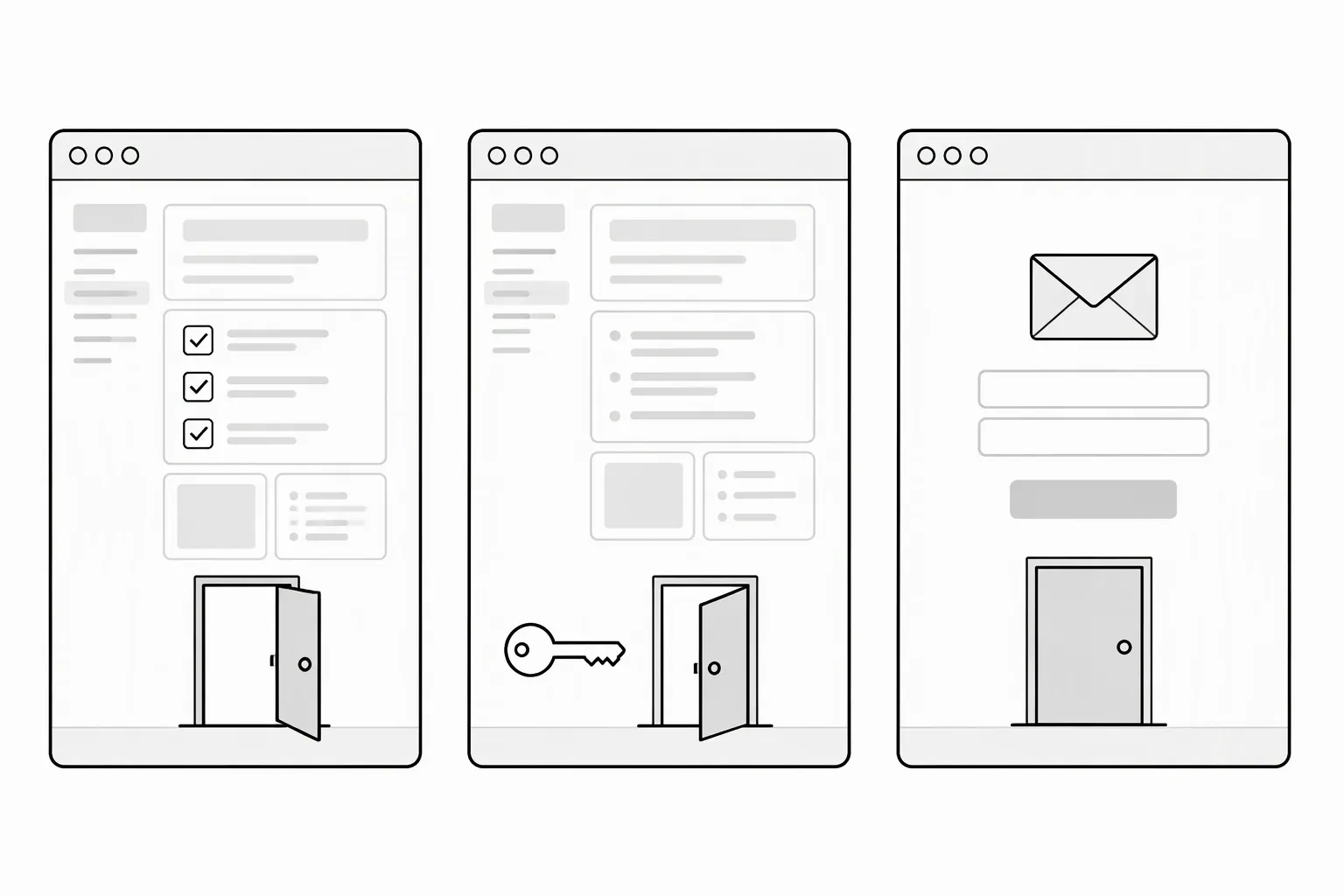
State the access model plainly
These descriptions refer to different visitor experiences:
| Current state | What the listing should explain |
|---|---|
| Open beta | Who can sign up, what works and material limits |
| Invite-only beta | How to request access and whether approval is required |
| Demo available | What can be tested in the demo and what requires an account |
| Waitlist only | That visitors cannot yet use the product; the next step is joining the list |
Do not call a waitlist “Start using the product.” Conversely, don't hide a usable beta behind “coming soon” just because you have more features planned.
Write a disclosure that helps someone decide
For fictional release-note software:
PatchNote is in open beta for GitHub repositories. It creates editable drafts from merged pull requests; a person should review the text before publishing. Other repository hosts are not currently supported.
This tells a visitor more than “Early access—some limitations apply.” Add the relevant price or usage limit if there is one, and make sure the website explains the same terms. The SaaS description guide helps combine the working task and its limits without losing clarity.
Avoid predicting a launch date unless you are prepared to maintain it. A dated roadmap is different from a feature someone can use today.
Test the advertised route before requesting a listing
Open the public website without your existing session. Follow the exact next step your description advertises:
- Can a new visitor find access conditions and pricing?
- Does signup, invitation request or demo access work?
- Can an eligible user complete the stated core task?
- Are known material limitations visible before they commit?
- Can they reach support if the beta fails?
If the main workflow does not work, describe the actual stage instead of submitting as an available product. A narrower working offer is clearer than a broad unfinished claim.
Product Hunt’s product-page guide also encourages clear pricing and product-in-use media; check its current stage requirements separately.
Send the current offer, not the roadmap
Check contact details and publication permission with the submission checklist.
Include your access model and limitations in a free LaunchNest listing request. Manual review does not guarantee acceptance, a deadline, visitors or sales. If the page is unavailable, send the request with explicit publication permission to launchnest@brainer.one.