
How to write a SaaS product description that explains the actual workflow
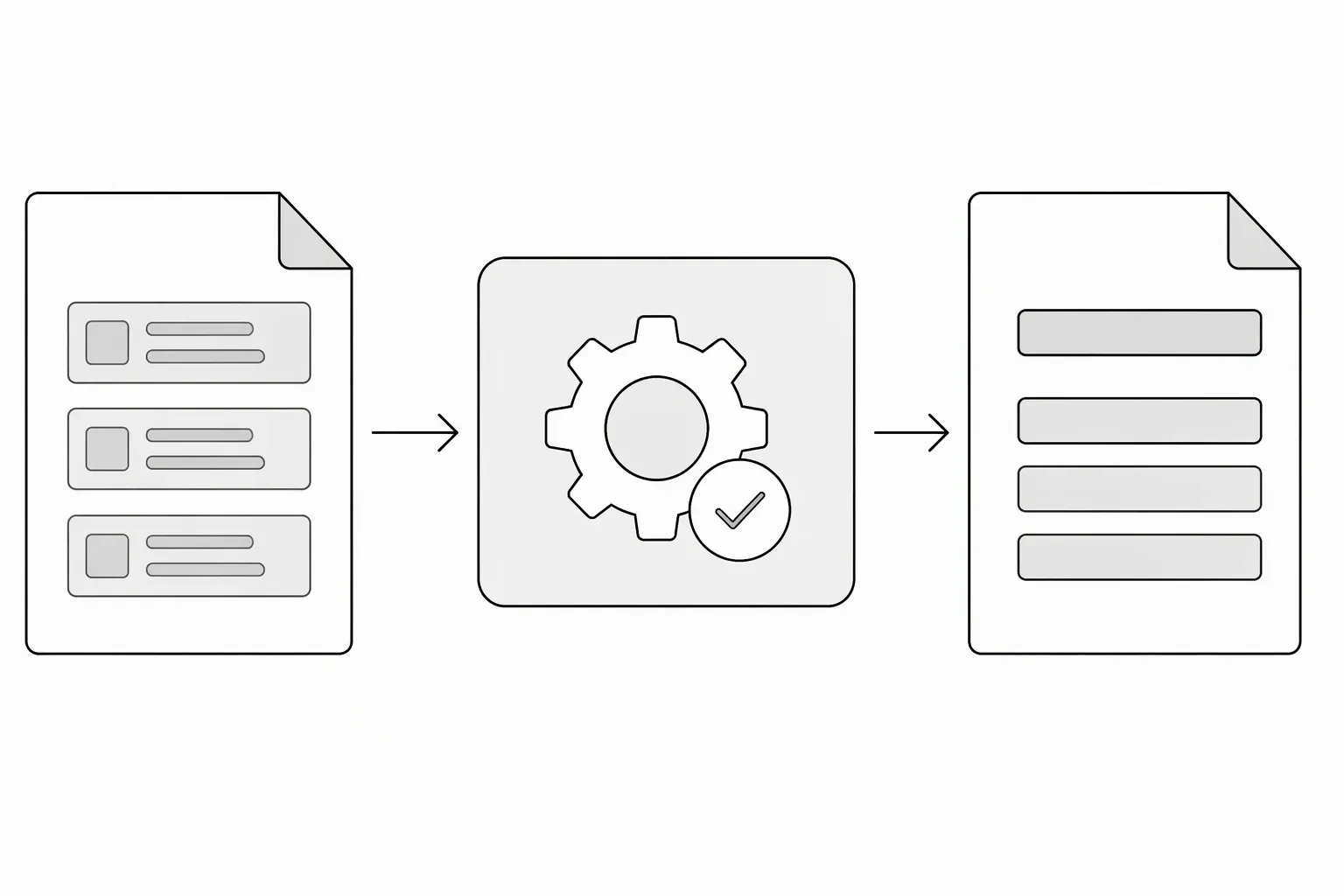
To write a SaaS product description, name the task your software performs, who uses it and what they get at the end. Add the most important access or compatibility limit. A stranger should be able to picture using the product without translating a list of features or trusting a promised result.
How do you write a SaaS product description?
Start with this working sentence:
[Product] helps [specific user] turn [input or starting situation] into [useful output] by [main action].
This is a drafting tool, not a rule that every description must sound the same. If your product searches, monitors or organizes rather than transforms something, use that verb.
For a fictional release-note tool:
PatchNote helps small software teams turn merged GitHub pull requests into draft release notes. Review and edit the draft before sharing it with users.
The copy identifies a user, input, workflow and output. It also makes human review clear. Compare that with “An intelligent platform that transforms team communication,” which leaves the actual job unexplained.
If the user part is vague, first define the role and situation your listing serves.
Separate capabilities from results you cannot prove
A capability is something the product demonstrably does: groups pull requests by label, exports Markdown, or lets a reviewer edit a draft.
A result depends on how someone uses it: less writing time, fewer missed updates or happier customers. Describe the capability directly. Use a quantified result only when you have evidence and can explain what was measured.
Replace “Save five hours every week” with “Generate a draft from merged pull requests, then edit it before publishing” if you have not measured time savings. The second sentence is still useful; it tells the reader what work changes.
Add the detail that affects fit
Choose the constraint a potential user needs before trying the product:
- Supported platform or integration.
- Required input, account or installation.
- Whether the output needs checking.
- Current beta, invitation or usage limit.
For PatchNote, “GitHub repositories only” is more informative than a paragraph of adjectives. Put other supporting features after the basic workflow, not before it.
Make a short and a longer version
Keep the product facts consistent while changing the length. The short version states the job and user. The longer version adds the main workflow, a fit constraint and what someone does next. For a separate one-line field, use the product tagline compression examples.
Product Hunt’s product-page guidance similarly asks descriptions to lead with value and explain the problem and audience. Its field limits are specific to that platform; follow the form you are using.
Test the description before submission
Ask someone unfamiliar with the product: “Who uses this, what do they give it, and what comes back?” If the answer is wrong, change the description—not the reader.
Then read the copy beside your website. Remove features that are planned rather than available. Use the startup directory submission checklist to prepare the remaining listing details, availability and publication permission before sending.
When the description is accurate, request a free LaunchNest listing. Requests are manually reviewed, with no automatic approval or guaranteed review deadline or discovery outcome. If the page is unavailable, email launchnest@brainer.one.